
Smart Kitchen Inventory Tools for Restaurants in 2026
A well-organized kitchen storage plan only pays off if the restaurant actually knows what is in it. Shelving and chiller layout solve the “where” question, but inventory shrinkage, spoilage, and staff accountability are separate problems that need their own tools. This guide looks at how barcode scanning and biometric attendance hardware are helping Saudi restaurant kitchens close that gap in 2026.
Why Restaurant Kitchens Are Rethinking Inventory Control
Food cost is usually the single largest controllable expense in a restaurant, and inventory shrinkage quietly eats into that margin every week. Manual stock counts on clipboards miss discrepancies that only show up when a full audit is done, often weeks too late to fix the root cause.
Digital inventory tracking closes that gap by logging every item as it moves in and out of storage, giving managers a near real-time picture instead of a monthly surprise.
Storage First, Scanning Second: Getting the Sequence Right
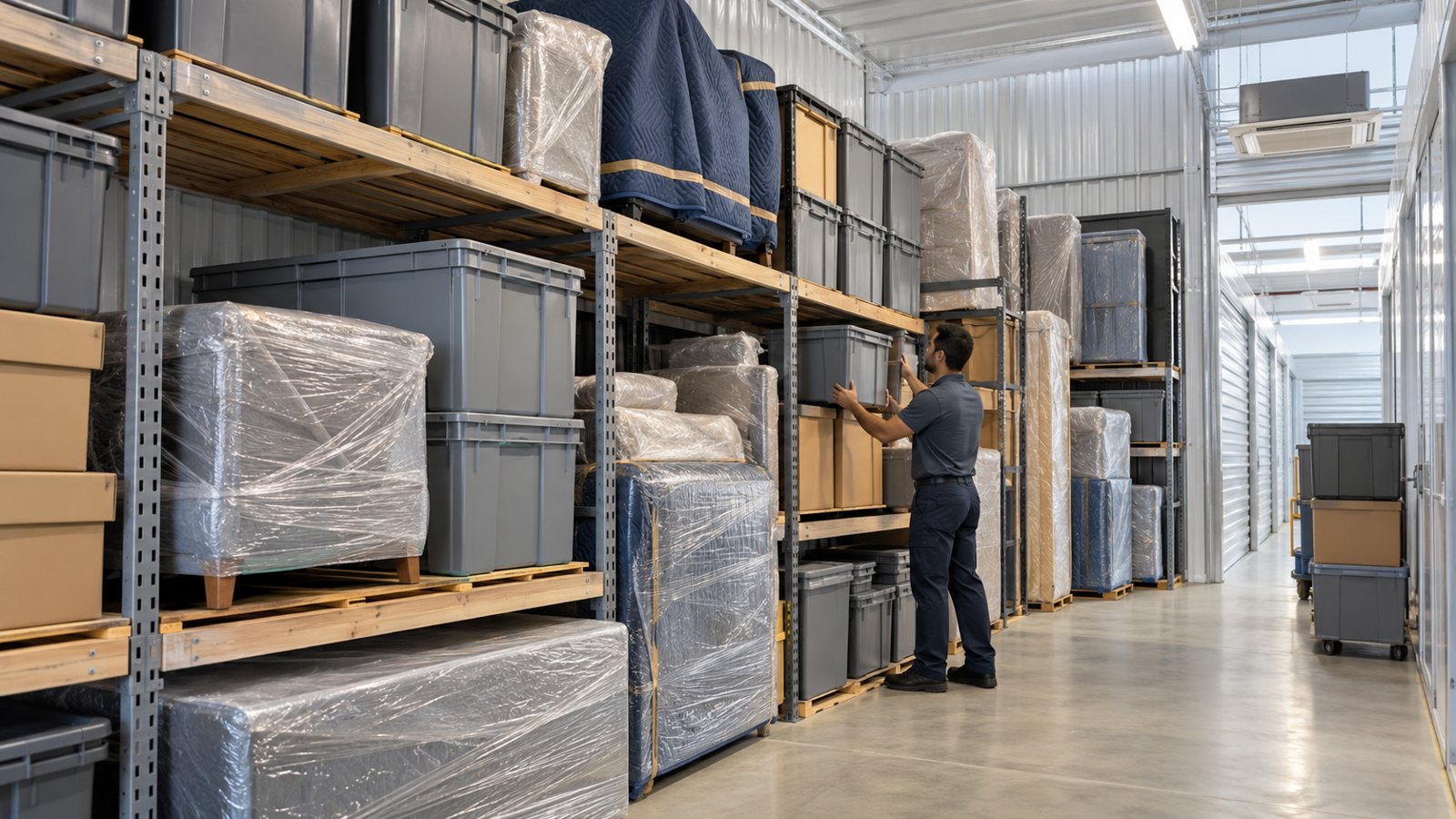
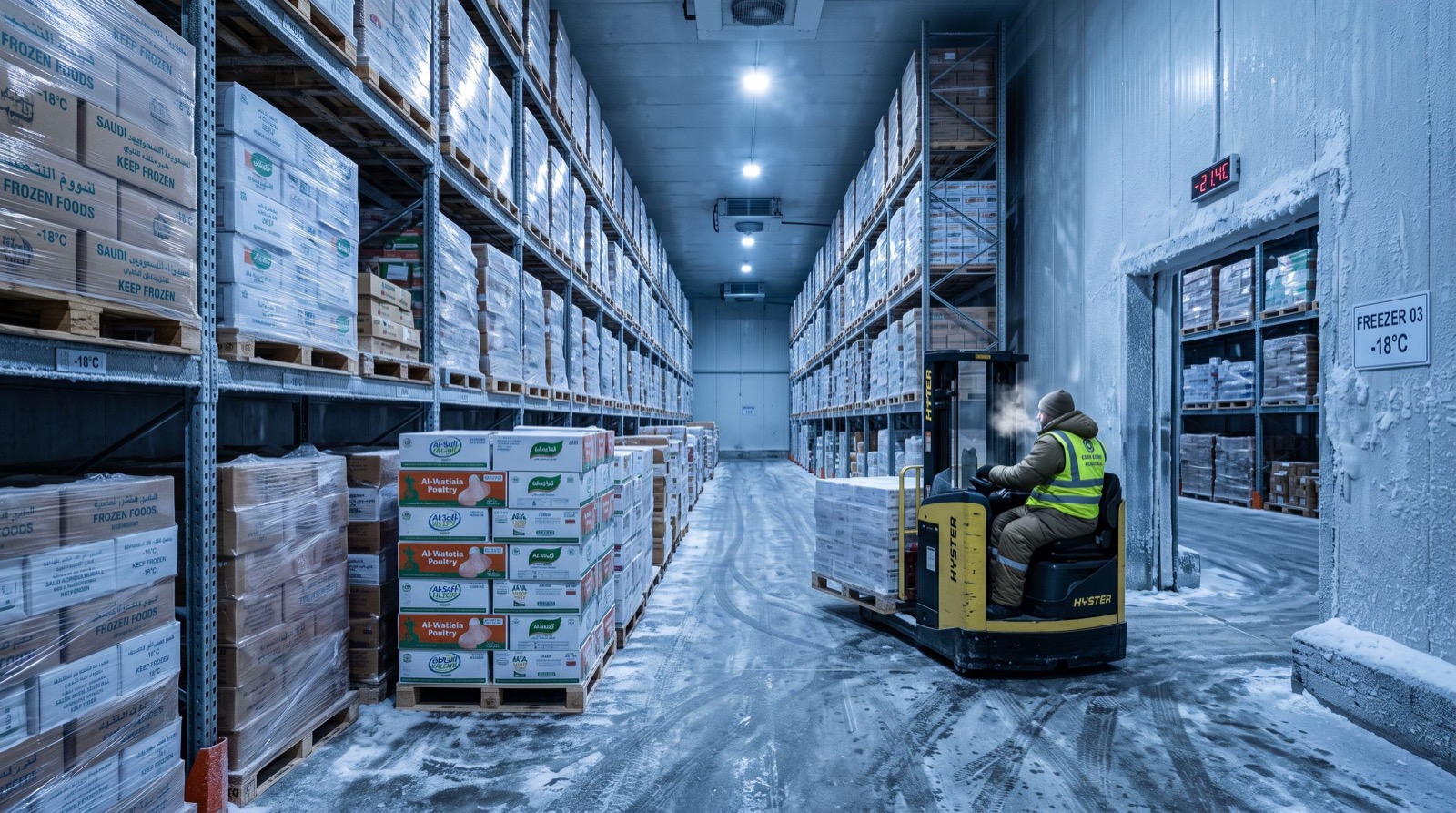
It is tempting to buy scanning hardware before the storage layout itself is sound, but that order usually backfires. A disorganized walk-in or dry store makes scanning slower and more error-prone, since staff waste time searching before they even reach the scan step.
Many Saudi kitchen operators now work with quality service providers to finalize shelving, labeling, and rotation zones first, then layer scanning technology on top. This sequence turns a messy stockroom problem into a clean, trackable one before any hardware budget is spent.
Skipping this step is one of the most common reasons a new inventory system gets abandoned within its first few months.
A properly zoned storage area also makes staff training faster, since new hires learn one consistent layout instead of memorizing where things happen to be stacked that week. That consistency carries directly into scanning accuracy later, because staff are not second-guessing locations while trying to log movements under time pressure.
Barcode Scanning on the Kitchen Floor
Once storage is organized, a dependable handheld scanner becomes the daily workhorse of inventory control. The Honeywell Orbit HF680 has become a common choice in commercial kitchens because it handles the damp, greasy, high-traffic conditions of a working line far better than consumer-grade alternatives.
What to Scan, and When
- Every incoming delivery, matched against the purchase order before it reaches storage
- Internal transfers between walk-in, dry store, and prep stations
- Waste and spoilage logs, so shrinkage has a documented cause
- End-of-day stock counts for high-value or fast-moving items
Kitchens that scan at all four of these points typically see inventory accuracy improve within the first full counting cycle, since every movement now has a timestamp and a responsible staff member attached to it.
Staff Accountability: Why Biometric Attendance Matters Too
Inventory control and staff accountability turn out to be closely linked. Buddy punching and inaccurate time logs distort labor cost reporting, which then makes it harder to tell whether a bad week was caused by shrinkage, overstaffing, or both.
This is where biometric devices come in. Restaurant groups comparing Finger scanner devices prices in pakistan alongside local Saudi suppliers are finding that fingerprint-based clock-in is now priced within reach of even single-location operators, not just large chains.
Reducing Time Theft Without Adding Friction
A good biometric clock-in takes under two seconds per scan, which keeps the back-of-house entrance from backing up at shift change. Staff generally accept it quickly once they see it replaces a slower, error-prone sign-in sheet.
Hygiene Considerations in a Kitchen Setting
Kitchen managers sometimes worry about shared touchpoints. Modern optical fingerprint sensors are easy to wipe down between shifts, and some newer units now support contactless or card-backup modes for staff who prefer not to touch a shared scanner at all.
It is worth building a simple wipe-down routine into shift handover checklists rather than leaving it to individual judgment. A posted cleaning schedule next to the unit tends to get followed far more consistently than a verbal reminder during a busy opening shift.
Is Your Restaurant Losing Money to Inventory Shrinkage?
Shrinkage rarely shows up as one obvious event. It builds slowly through small over-portioning, uncounted waste, and the occasional missed delivery check. A few warning signs are worth watching for.
- Food cost percentage creeping up without a matching rise in sales
- Frequent “we’re out of stock” surprises on items that should be in the walk-in
- Monthly physical counts that never quite match the paper log
- High staff turnover combined with no clock-in verification
If two or more of these sound familiar, a combined barcode and biometric rollout tends to pay for itself within a single busy quarter.
Running a short two-week baseline count before installing any new hardware also helps. It gives managers a true “before” number to compare against once scanning and attendance tracking are live, rather than relying on memory of how things used to look.
Choosing the Right Hardware Mix
| Kitchen Size | Scanning Setup | Attendance Setup |
|---|---|---|
| Single small restaurant | One rugged handheld scanner | Single fingerprint unit at staff entrance |
| Mid-size kitchen, 2-3 stations | Two scanners, shared cloud log | Fingerprint unit with shift-based reporting |
| Multi-branch chain | Networked scanners per branch | Centralized biometric dashboard across branches |
Frequently Asked Questions
How long does it take to train kitchen staff on barcode scanning?
Most staff become comfortable within a single shift, since the scanning motion itself is simple. The longer learning curve is usually around which items to scan at which stage, which a short written checklist resolves quickly.
Are biometric fingerprint scanners reliable in a hot, humid kitchen entrance?
Industrial-rated units are built for exactly this environment, with sealed housings that resist moisture and grease better than office-grade devices. Checking the ingress protection rating before buying is worth the extra few minutes.
Can barcode data and attendance data be reviewed in one report?
Many current platforms allow both data sets to feed into a single management dashboard, making it easier to spot whether a cost spike lines up with a staffing or inventory issue. This combined view has become a standard request from multi-branch operators in 2026.
What is the typical payback period for this kind of system?
Smaller kitchens often see payback within three to six months through reduced shrinkage and tighter labor cost control, though this depends heavily on how significant the prior tracking gaps were.
Conclusion
Storage, scanning, and staff accountability are three parts of one system, and treating them separately is how small losses turn into a real dent in margin. Standards from bodies like GS1 and food safety management guidance under ISO 22000 are a solid reference point when setting up any new tracking process. Start with a clean storage layout in 2026, add dependable scanning and attendance hardware on top, and the numbers at month-end finally start matching what actually happened on the kitchen floor.